Creating a configurator with AI: where does your expertise fit?
AI helps turn your existing materials into a first experience to try. Your team provides business context, reviews the choices and decides when the journey is ready to share.
Your sources provide the starting point.
A catalog describes your products; your website often explains their applications. In SmartSelect, you can start with either source or both. Add a short explanation of the range to cover and what your customers need help choosing.
AI-assisted creation lets you try a first version in minutes, depending on your sources and scope. You can examine a concrete journey instead of writing every screen in advance. Missing or ambiguous information still needs clarification from your team.
The assistant helps you build; customers follow the journey.
The manufacturer talks with the assistant to create an experience, request an adjustment or get help with SmartSelect and the current configurator. You can also use the editor for the settings available in the application.
Your customers follow questions, discover a product and choose options before preparing a request. “AI-assisted creation” does not mean that they have to chat with a bot to find a product.
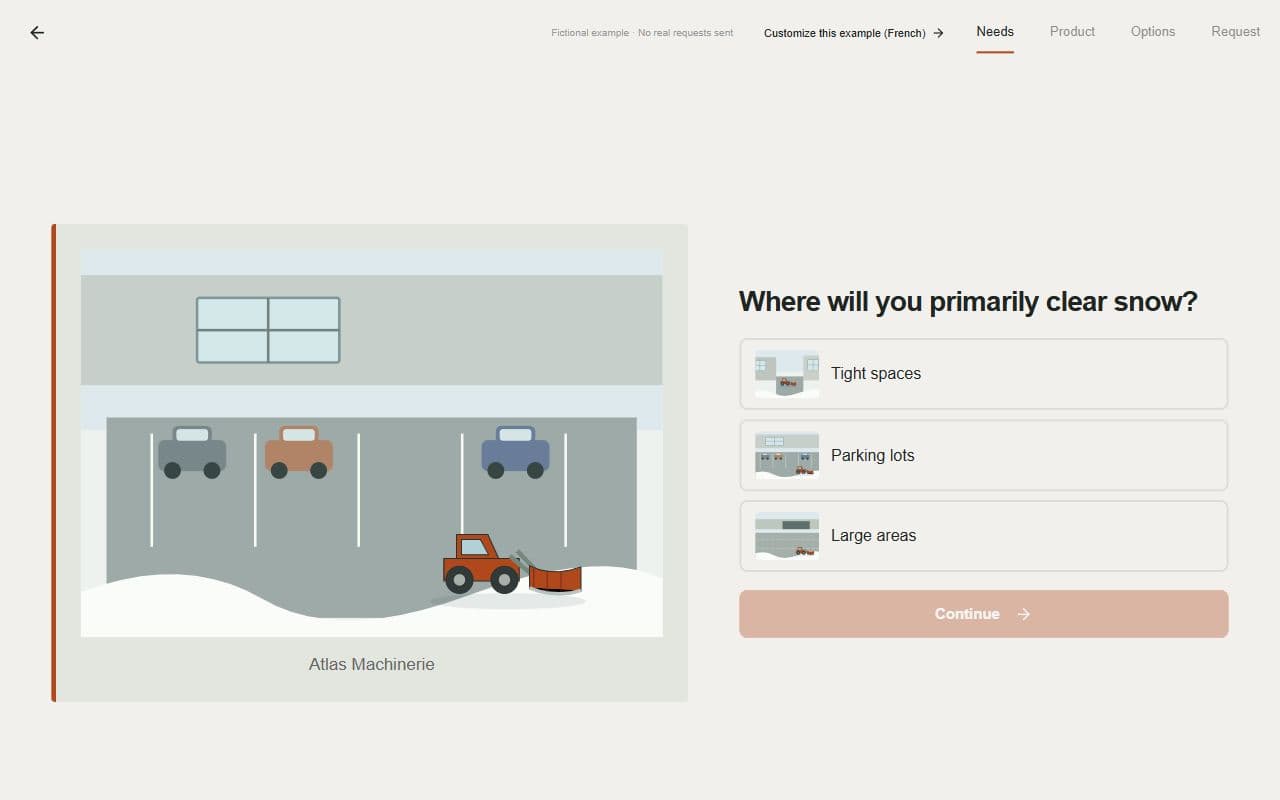
Put your advice into words customers understand.
Your team knows which questions move a sale forward. The assistant can help phrase them in the buyer’s language. Give a precise instruction: which question should change, who is reading it and what should the change accomplish?
The following fictional example illustrates a wording change. The final step is to check that the question still supports the same business decisions.
| Step | Example |
|---|---|
| Wording to review | Which surface typology do you intend to service? |
| Manufacturer’s instruction | Reword this question for a customer choosing a snow blade, without changing the available answers. |
| Wording to examine | Where will you primarily clear snow? |
| Human review | The answers remain understandable and still lead to the same business decisions. |
Validate what your documents do not fully explain.
A product sheet may list the dimensions of two models without explaining which one to recommend in a particular situation. Likewise, two options appearing in a catalog are not necessarily compatible. Those decisions need support from your documentation and expertise.
Try the first version with a common case and another that should lead to a different choice. Review products, units, options and points that should remain to be confirmed. If a rule is missing, clarify it and examine the result after the change. The review covers the advice provided as well as the quality of the wording.
You decide when to share.
Creating a draft does not automatically publish your work. You can try and adjust the first version before keeping it in an account. Activating the seven-day free trial and publishing are then explicit actions.
Once the journey is published, share its link with customers. The salesperson takes over the request with the needs and choices collected to continue advising and prepare a commercial proposal. As feedback arrives, you can improve the journey using the same approach: request a change, review it, then publish.