Your first configurator is ready: what should you check before sharing it?
Try a few concrete sales situations to review the questions, suggested products and options. This checklist helps you move from a first version to a journey your team can share.
Write down the expected result before you start.
A first version ready in minutes gives you something concrete to examine. To review it, choose situations your salespeople actually encounter. For each one, note the expected model, available options and details that still need a conversation.
Use references confirmed by your team or documentation. If nobody knows which result should appear, clarify that first: an attractive journey alone does not validate the advice it provides.
Check several paths, not just the obvious one.
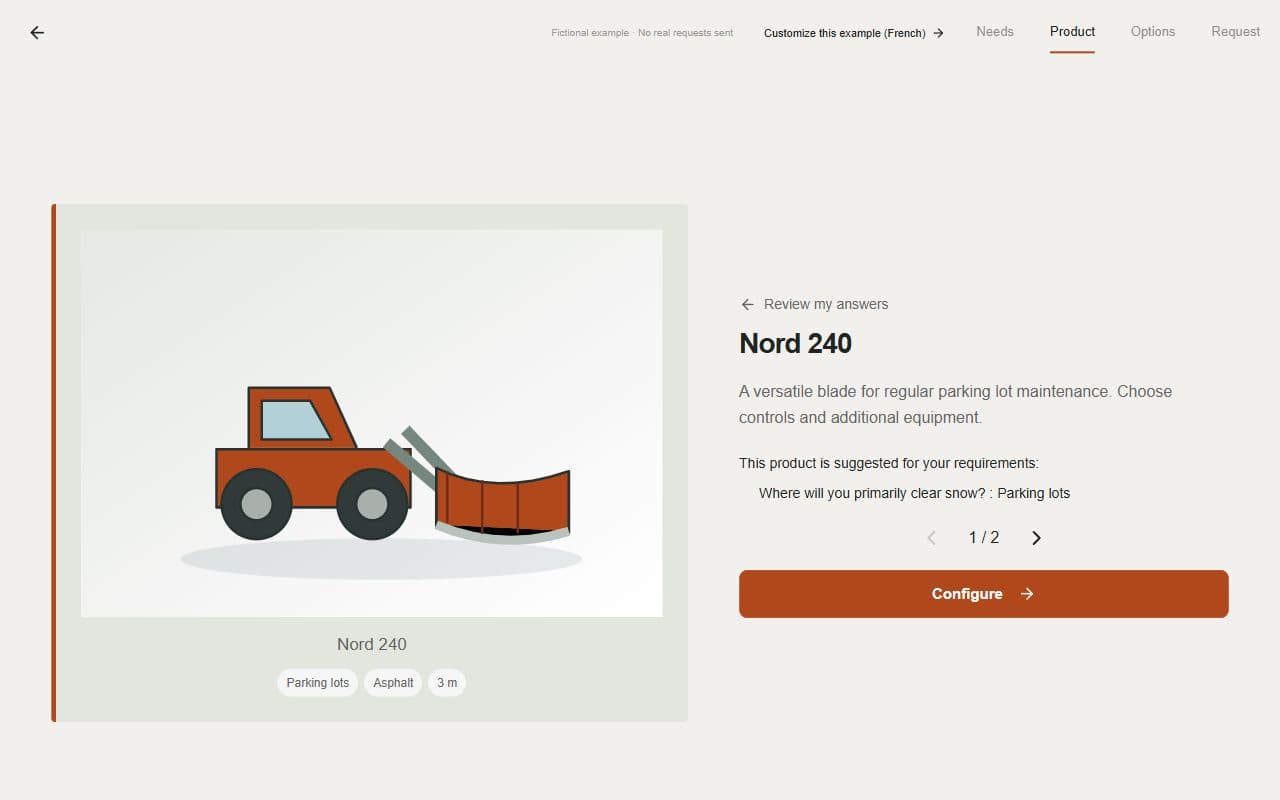
The fictional Atlas Machinerie example lets you explore this method. Choose “Parking lots,” continue through the questions and examine the suggested product. Then return to the beginning and try a different site. These demonstration products are fictional: use your own technical criteria to validate your range.
Keep a short checklist as you try the journey. A difference between the expected and displayed result becomes a specific adjustment to make.
| Situation to try | What to check |
|---|---|
| A common need | The product and explanation match your team’s advice. |
| An answer that changes the need | The result follows the intended logic instead of retaining an unsuitable choice. |
| A buyer who is unsure | If you enabled confirmation with an advisor, the point remains to be confirmed. |
| A combination of options | The choices offered match those allowed for that model and situation. |
| Going back a step | Changing an answer does not retain an option that is no longer compatible. |
Read the request from the salesperson’s perspective.
Continue to the summary. The product, options and answers should describe the same configuration. When several products are allowed in one request, check that each configuration remains identifiable and that quantities match the selections, if quantities are enabled.
Private previews and examples let you explore a simulated contact step without sending a real request. They help you review the displayed journey; they do not prove that an email or CRM delivery has arrived. Checking those channels is a separate step before commercial use.
Try it on a phone and with another reader.
Open the preview on a phone. Read the labels without zooming, select options, go back to an earlier question and inspect the summary. Pay particular attention to technical terms and units: are they understandable when the customer needs to answer?
Then let a colleague who is less familiar with your references go through the draft. Let them read without explaining every screen. Their hesitation may reveal a term to reword or information to add. Keep access to human advice for situations outside the journey’s scope.
Adjust, repeat the affected case, then publish.
Ask the assistant for an adjustment or use the editor. Review the change and repeat the affected case as well as a related one: changing a question or option may affect choices available later in the journey.
The draft and published link are separate stages. To share your first version with customers, keep it in an account, activate the seven-day free trial and choose to publish. After a later change, review and publish the new version before presenting it as available to customers.