How to start guided selling online without redesigning your website
Your catalog and website can already provide a starting point. Here is how to create a first experience to try, then share it through the channels your customers already use.
Choose a first product range, not a redesign project.
Would you like to help customers choose a product, while your website mainly offers product sheets and a contact form? You can add a guided selling journey alongside those pages. Your website continues to introduce your business; the journey helps visitors clarify their needs before contacting you.
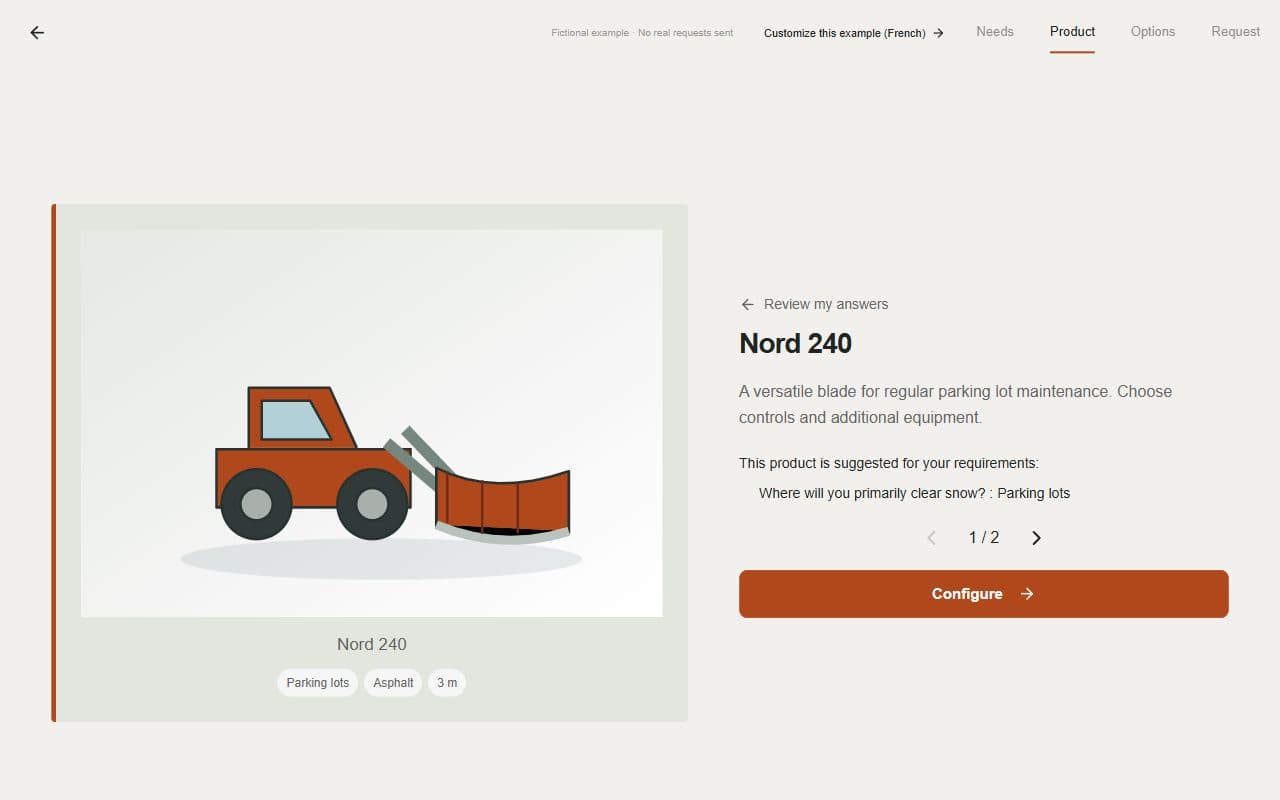
Start with a range your team knows well and a common sales situation. For example: helping a buyer choose a snow blade for their site and machine. A focused first experience lets you see the result and gather feedback before expanding its scope.
Use your existing materials to try a first version.
In SmartSelect, add your catalog, your website address or both. Specify the range to use and what customers need help choosing. AI-assisted creation gives you a first version to try in minutes, depending on the available information and the complexity of the range.
Go through the questions and suggested products. Supply a missing detail, reword a question or adjust choices in the editor. The first result gives you a starting point for review: the time needed to validate a complete range depends on your products and sources.
Share a link where the decision begins.
After reviewing the experience, keep your work in an account, activate the seven-day free trial and choose to publish. You then have a link to share. It opens the journey without requiring the buyer to create an account.
You can start with a single placement. A button that opens the link is enough; you do not need to embed the configurator in the page or move your catalog.
| Entry point | Example wording | When to use it |
|---|---|---|
| Product range page | Help me choose a model | When a visitor is comparing your products. |
| Sales email | Tell us about your needs before we talk | After an initial contact or before a meeting. |
| Brochure or trade show | Find your model — scan the code | A QR code opens the published link; the visitor needs an Internet connection. |
Explain what the link offers before sharing it.
Tell people what they will do and what comes next. “Answer questions about your application, explore options and send a request to our team” gives customers more context than an isolated “Click here” link.
For a first trial, choose a few customers you are already talking with. Ask which question was difficult to understand and whether the journey helped them clarify their needs. A published link is accessible online; sharing it with a small group does not make it private.
Improve the experience using early conversations.
Review the requests with your sales team. Can the salesperson understand the intended use? Are the choices and points still to confirm clear? Does the same question keep coming up despite the journey? These observations identify a specific next improvement.
Refine the first range, review the changes and publish them when you are ready. You can then add other entry points or work on another range. An online store, automated quoting and a full website redesign are not prerequisites for this first journey.